What are the best practices for integrating HubSpot with your tech stack?

TL;DR
Integrate HubSpot well by making one system the hub instead of wiring tools point-to-point, defining a data contract for each integration (which fields, which direction, who wins a conflict), and building error handling and monitoring so failures surface loudly. Use HubSpot's native data sync for standard apps; reserve custom integrations for what genuinely needs them. The integration that breaks silently is the one that costs you.
Point-to-point is how stacks rot
Every tool that syncs directly to every other tool creates a web of connections that no one fully understands. Five tools wired point-to-point is ten integrations, each with its own field mappings and failure modes. Add a sixth and it's fifteen. When something breaks, you can't tell where, and conflicting writes quietly corrupt records.
The fix is hub-and-spoke: one system of record — usually HubSpot for revenue teams — that other tools sync to and from. Now it's five connections, not ten, and there's one place to look when data disagrees.
Data contracts: the part everyone skips
A data contract is the explicit agreement for each integration: which fields sync, in which direction, how often, and which system wins when both change the same record. Without it, two tools overwrite each other and "Adam S." becomes "Adam A." on the next sync.
HubSpot's native data sync makes the direction and field mappings explicit, with conflict-resolution rules — which is exactly the contract you want. It checks for changes about every five minutes and syncs a changed record within roughly ten. For most standard apps, that's enough; you don't need a custom build to move contacts between two systems.
The four layers of a durable integration
| Layer | What it does | If you skip it |
|---|---|---|
| Strategy | One hub, spokes sync to it | Point-to-point spaghetti nobody can trace |
| Data contract | Fields, direction, conflict rules per sync | Tools overwrite each other's records |
| Error handling | Retries, dead-letter queue, alerts | Failed syncs vanish without a trace |
| Observability | Monitor sync latency and failure rate | You learn it broke from a rep, weeks late |
Handle errors loudly
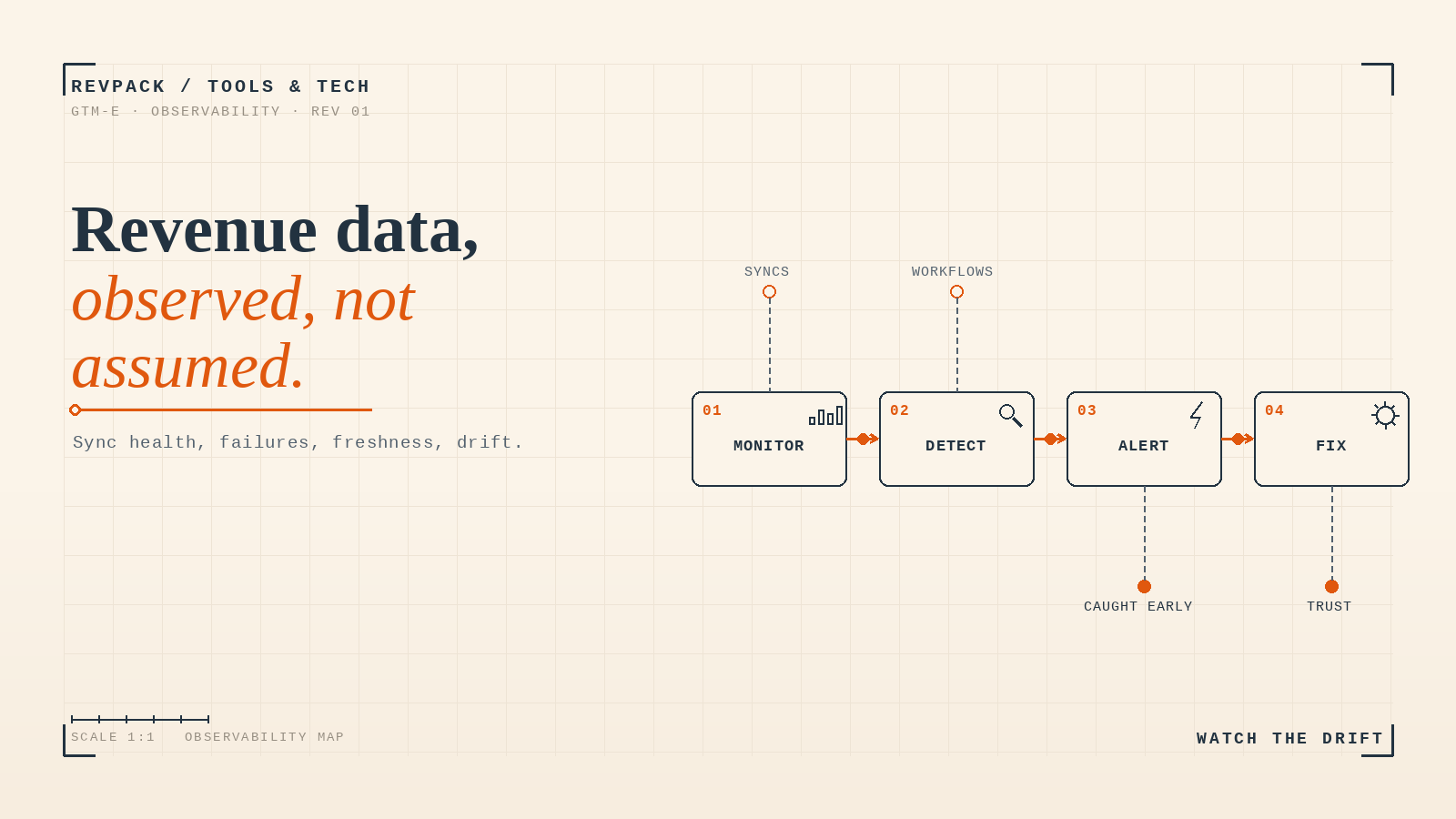
APIs fail — rate limits, timeouts, validation rejects. The question is what happens next. A resilient integration retries transient failures with backoff, routes records it can't process to a dead-letter queue instead of dropping them, and alerts a human when failures cross a threshold. The dangerous pattern is the integration that swallows errors: it looks healthy on the dashboard while records quietly stop syncing.
Watch it, or you don't own it
Observability is the difference between catching a broken sync in an hour and hearing about it from a confused sales rep three weeks later. Track sync latency, failure rate, and record volume per integration, and alert when any of them moves. An integration you can't see is one you don't actually control.
What to do this week
Map every tool that writes to your CRM and draw the connections. If it looks like a web rather than a hub, pick the two worst point-to-point links and re-route them through your system of record with an explicit data contract. Then add one alert: notify someone when a sync fails. That single alert catches the silent failures that do the most damage.
Frequently asked questions
Should every tool sync directly to every other tool? No. Use hub-and-spoke: one system of record that others sync to and from. It turns an unmanageable web of point-to-point links into a small number of traceable connections.
What is a data contract in a HubSpot integration? The explicit agreement for a sync: which fields move, in which direction, how often, and which system wins a conflict. HubSpot's data sync field mappings and conflict rules are this contract made concrete.
Do you need a custom integration or native data sync? Native data sync handles most standard apps — two-way sync, field mappings, conflict resolution, no code. Reserve custom builds for non-standard objects or logic the native sync can't express.
How RevPack helps
We architect HubSpot integrations the durable way: a clear hub, explicit data contracts, error handling that fails loudly, and monitoring that catches breaks early. If your stack is point-to-point and you find out it broke from a rep, that's the system we rebuild.
- HubSpot — "Connect and use HubSpot data sync," Knowledge Base. knowledge.hubspot.com
- HubSpot — "Understand your data sync field mappings," Knowledge Base. knowledge.hubspot.com
Integrate HubSpot with a hub-and-spoke model, an explicit data contract per sync (fields, direction, conflict rules), and error handling plus monitoring so failures surface loudly. Native data sync covers most standard apps; reserve custom builds for what needs them. Silent sync failures are the expensive ones.