How do you build advanced HubSpot workflows for complex GTM processes?
TL;DR
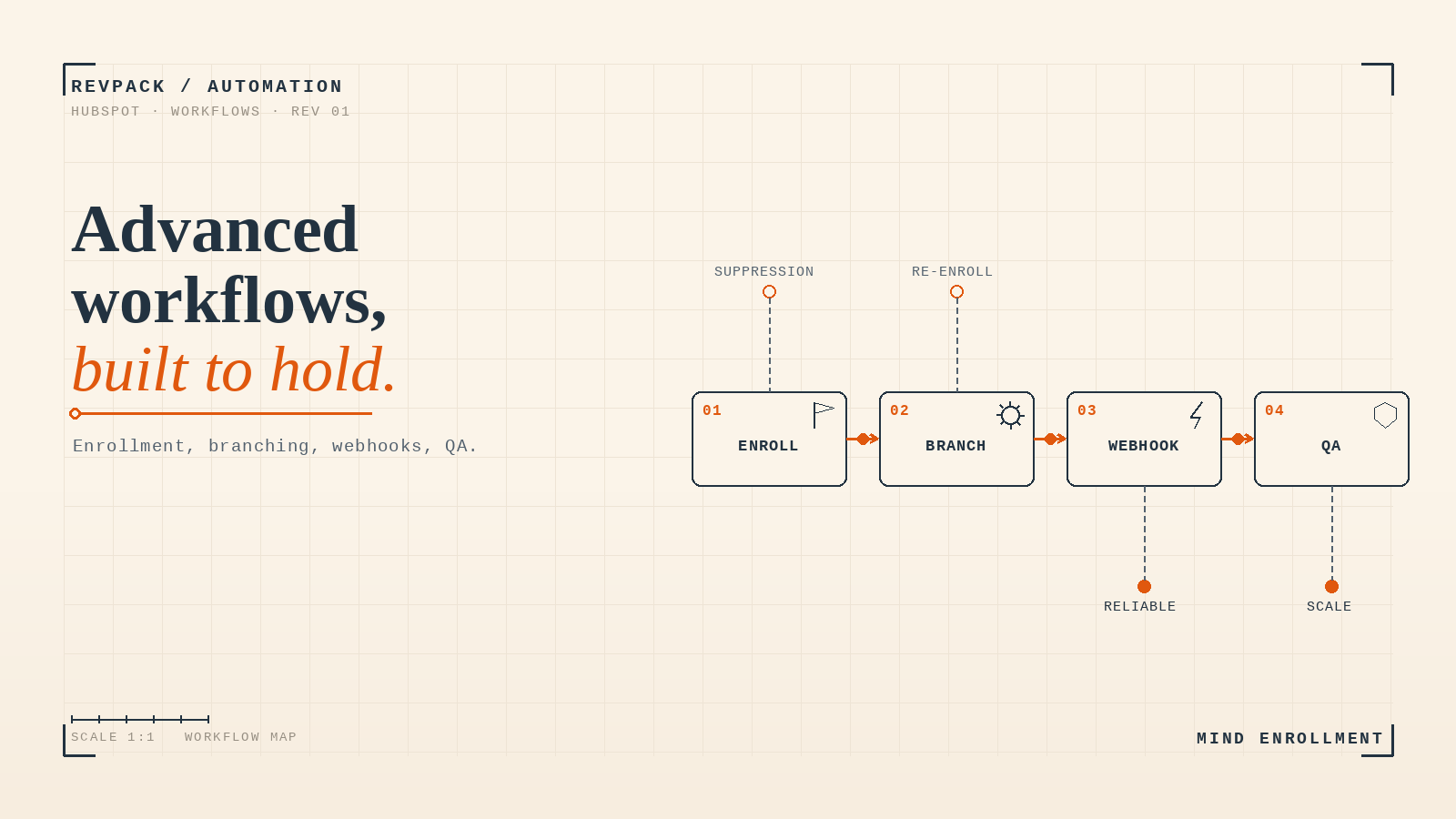
Advanced HubSpot workflows are won or lost on enrollment and suppression logic, not on how many actions you stack. Design precise enrollment triggers (multi-object, with suppression and re-enrollment rules), branch deliberately, extend with webhooks and custom code where native actions fall short, and QA every workflow in a staging setup before it touches production. A workflow that silently enrolls the wrong records is worse than no automation at all.
The danger isn't complexity — it's silent mis-enrollment
A broken workflow rarely throws an error. It quietly enrolls the wrong contacts, emails people twice, or skips the records it should have caught — and looks healthy on the dashboard while it does. The skill in advanced workflows isn't stacking clever actions; it's controlling exactly who enters, who's held out, and who can re-enter.
Enrollment design comes first
Most workflow bugs are enrollment bugs. Get three things right before any action runs. Set precise enrollment triggers — often a combination across company and contact, not a single property. Add suppression so the wrong segments never enter (existing customers, do-not-contact, active in another sequence). And decide re-enrollment deliberately: should a record that qualifies again go through twice? Sometimes yes, often no — but it must be a choice, not an accident.
Branch and delay with intent
Use branching to make one workflow adapt instead of building five near-identical ones. Branch on behavior and fit, and use delays that wait for a condition (“until the contact opens the email,” not “wait three days”) so timing follows the buyer, not the clock. Each branch should have a clear purpose; nested branches that no one can trace are how workflows become unmaintainable.
Extend with webhooks and custom code
When native actions can't do it, HubSpot's webhook and custom-code actions connect the workflow to the rest of your stack — call an external API, run logic HubSpot can't express, write back a result. This is where workflows become real GTM infrastructure. Keep these actions small, documented, and idempotent so a re-run doesn't double-fire. For a working example, see our customer onboarding automation template with email sequences and team alerts.
| Technique | What it enables | Risk if skipped |
|---|---|---|
| Suppression rules | Keep wrong segments out | Emailing customers or opted-out contacts |
| Re-enrollment control | Decide who repeats | Duplicate or looping touches |
| Condition-based delays | Timing follows the buyer | Messages fire at the wrong moment |
| Webhook / custom code | Connect the wider stack | Manual work the workflow could own |
QA and document like it's software
Treat workflows as production systems. Test with sample records before going live, watch the first real enrollments closely, and keep a short doc per workflow — what it does, who it enrolls, what it suppresses, and what changed and when. The undocumented workflow that only its builder understands is a liability the day that person is on vacation.
Maintaining automation at this level is one of three separate jobs people lump together as "admin," and they don't cost the same — what a HubSpot admin costs splits them out.
What to do this week
Open your highest-volume active workflow and check one thing: its suppression list. If it can enroll existing customers, opted-out contacts, or records already in another sequence, fix that before anything else. Bad enrollment is the most common and most damaging workflow failure.
Frequently asked questions
What's the most common HubSpot workflow mistake? Enrollment errors — enrolling the wrong records or re-enrolling them unintentionally. They fail silently, so they do real damage before anyone notices. Get triggers, suppression, and re-enrollment right first.
When should you use webhooks or custom code in a workflow? When native actions can't express the logic or need to reach another system. Keep these actions small, documented, and idempotent so re-runs don't double-fire.
How do you QA a HubSpot workflow? Test with sample records before launch, monitor the first live enrollments, and keep a per-workflow doc covering enrollment, suppression, and changes. Treat it like production software, not a one-off setup.
How RevPack helps
We build and audit advanced HubSpot workflows: precise enrollment and suppression, deliberate branching, webhook and custom-code extensions, and QA plus documentation so they hold up at scale. If your automations occasionally do something nobody can explain, that's the reliability gap we close.
- HubSpot — "Set your workflow enrollment triggers," Knowledge Base. knowledge.hubspot.com
- HubSpot — "Add re-enrollment triggers to a workflow," Knowledge Base. knowledge.hubspot.com
Advanced HubSpot workflows depend on enrollment and suppression logic more than action count. Set precise multi-object triggers, control re-enrollment, branch and delay with intent, extend with idempotent webhooks/custom code, and QA in staging with documentation. Silent mis-enrollment is the failure that hurts most.