How do you build HubSpot reports and dashboards that drive decisions?

TL;DR
Build HubSpot reporting that drives decisions by starting from the decision, not the metric: pick the report type that answers a real question, build role-based dashboards so each audience sees what it acts on, and know which reports need which HubSpot tier before you promise them. Revenue and deal attribution reports, for example, require Marketing Hub Enterprise — design around what your plan can actually do.
Most dashboards measure motion, not decisions
Open a typical HubSpot dashboard and you'll see activity: emails sent, calls logged, meetings booked. It's busy and it's mostly useless, because none of it answers a decision. A report earns its place only if someone changes what they do based on it. Start there — name the decision, then build the report that informs it. Everything else is noise that makes the dashboard look thorough.
Match the report type to the question
HubSpot gives you several report types, and using the wrong one is why so many “insights” don't land.
| Question | Report type | Note |
|---|---|---|
| Where's the pipeline leaking? | Funnel / stage conversion | Standard across tiers |
| What's driving revenue? | Revenue attribution | Marketing Hub Enterprise only |
| Is the forecast realistic? | Forecast / deal reports | Pair with stage hygiene |
| Custom cross-object view | Custom report builder | Most flexible |
Know the tier gates before you commit. Deal and revenue attribution reports require Marketing Hub Enterprise; promising marketing-sourced-revenue reporting on a lower plan is a setup for an awkward conversation.
Build dashboards by role
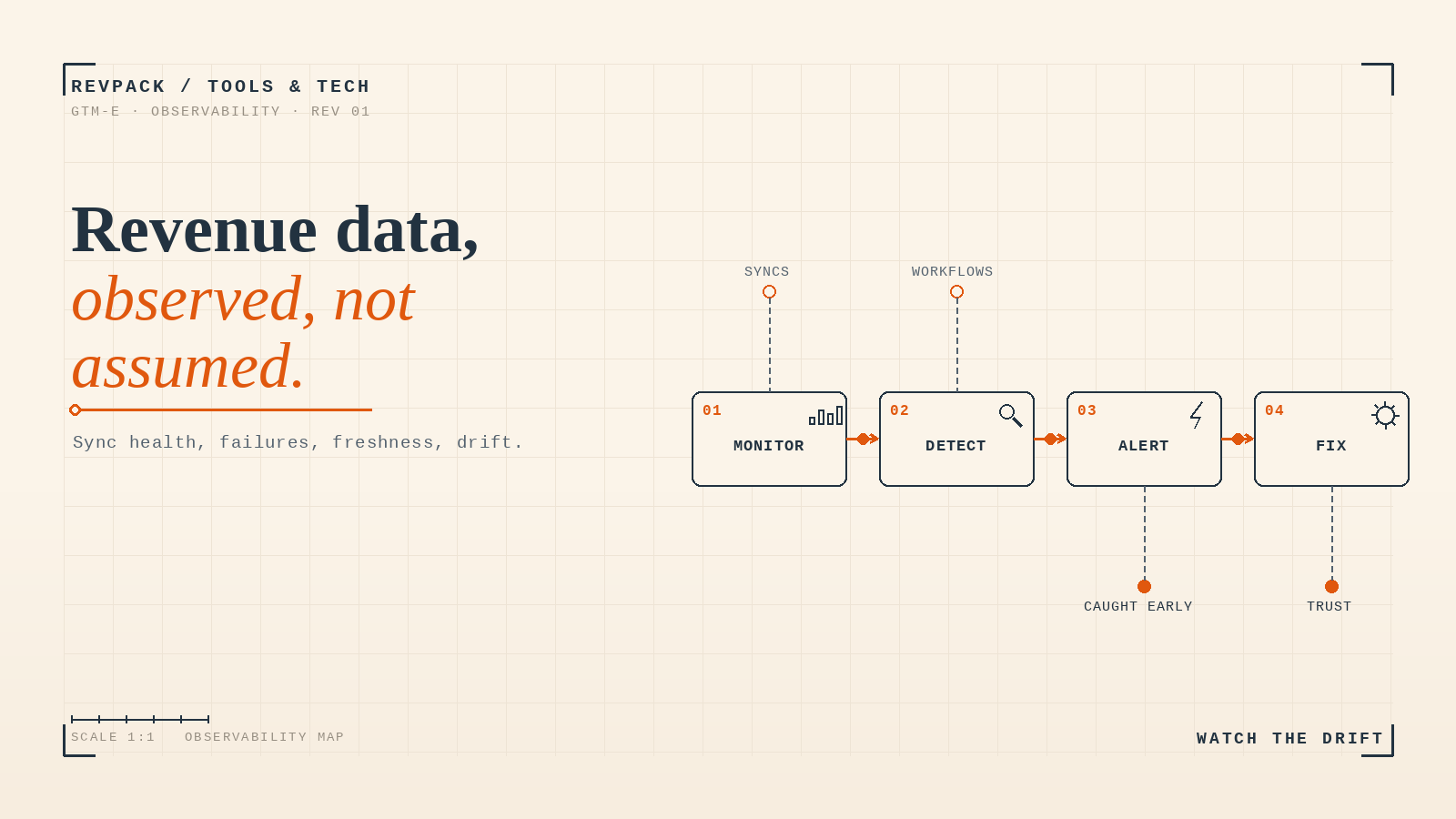
One dashboard for everyone serves no one. Build three: an executive view (revenue health, forecast vs. target, retention trend), a manager view (stage conversion, velocity, rep performance), and an operator view (data quality, sync health, where the funnel leaks). Each person opens one screen and sees only what they act on. Same underlying data, three altitudes.
Worth knowing before you buy this work: reporting is the most expensive kind of HubSpot help, because it needs someone who understands your revenue model rather than just the tool. What a HubSpot admin costs explains why it sits at the top of the rate band.
Attribution is only as good as the inputs
Attribution reporting is powerful and easy to misread. It can only credit channels it can see, so if UTM tracking is inconsistent or sources aren't captured cleanly, the report will confidently mis-attribute revenue. Fix tracking hygiene before you trust the attribution dashboard, and treat it as directional, not gospel — it shows patterns, not precise causation.
What to do this week
Audit your most-viewed HubSpot dashboard and delete every report no one made a decision from in the last month. Then add one report tied to a decision your team actually makes weekly. A short dashboard people act on beats a long one they scroll past.
Frequently asked questions
What makes a HubSpot report worth keeping? It changes a decision. Start from the decision a person makes, then build the report that informs it. Activity metrics that drive no action are clutter, regardless of how good they look.
Do you need Marketing Hub Enterprise for attribution? For deal and revenue attribution reports, yes — those are Enterprise-only. Contact-level attribution is more widely available. Confirm your tier before promising marketing-sourced-revenue reporting.
How should you structure HubSpot dashboards? By role: an executive revenue view, a manager performance view, and an operator system-health view. One source of data, three altitudes, each showing only what that audience acts on.
How RevPack helps
We build HubSpot reporting that drives decisions: decision-first report design, role-based dashboards, and the tracking hygiene that makes attribution trustworthy. If your dashboards are full and your decisions still run on gut, that's the gap we close.
- HubSpot — "Create attribution reports," Knowledge Base (deal/revenue attribution requires Marketing Hub Enterprise). knowledge.hubspot.com
- HubSpot — "Create custom reports," Knowledge Base. knowledge.hubspot.com
Build HubSpot reporting from the decision, not the metric: match the report type to the real question, build role-based dashboards (exec, manager, operator), and know which reports need Marketing Hub Enterprise. Fix tracking hygiene before trusting attribution — it credits only what it can see.