How do you improve forecast accuracy in HubSpot with AI?
TL;DR
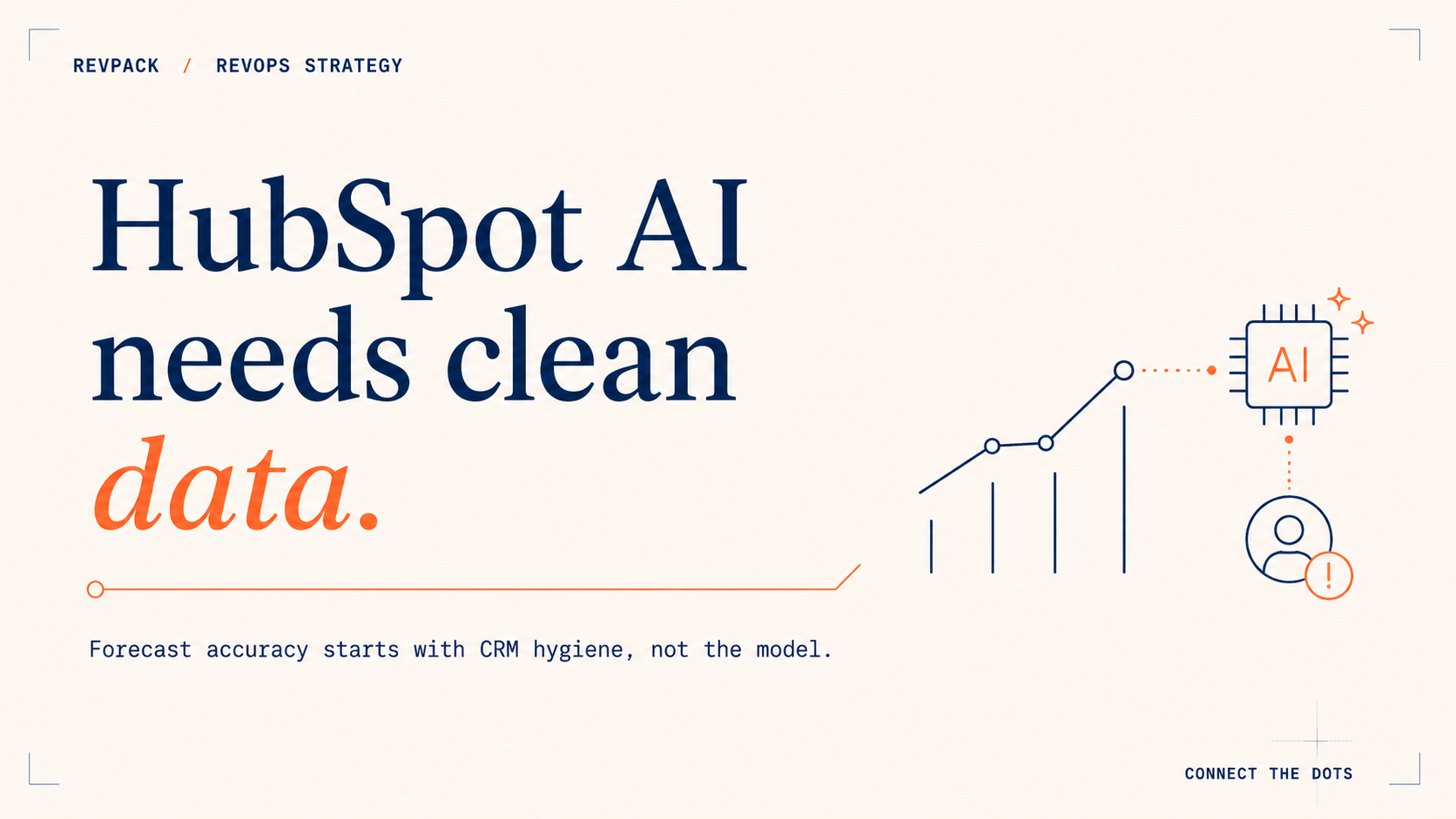
HubSpot's AI forecasting tools improve accuracy only when the CRM underneath them is clean. AI Projections, Breeze Intelligence, and Smart Deal Progression all read your CRM, so they inherit its errors. AI Projections need at least two months of consistent closed-won and closed-lost history. Fix data hygiene and stage definitions first. The AI is a second opinion, not the forecaster.
The evidence
Forecasting is the problem most revenue teams think they have, and rarely the one they actually have. Xactly's 2024 benchmark found four out of five sales and finance leaders missed a quarterly forecast in the past year, and more than half missed it twice or more. In the same survey, 97% agreed that better data, not a better model, would make accurate forecasting significantly easier. The data is where it breaks. Validity's 2025 State of CRM Data Management report found 76% of organizations say less than half of their CRM data is accurate and complete. That is the dataset HubSpot's AI reads from. So when a partner page promises "up to 95% forecast accuracy" from HubSpot AI, read it as marketing, not a spec. AI Projections produce a probability-weighted estimate from your history. They ship with no guaranteed accuracy number, and the teams that reach the high-90s got there by fixing inputs, not by toggling a feature.
Why HubSpot's AI forecast misses
Every AI forecasting feature in HubSpot reads the same source: your CRM. AI Projections read your closed-deal history and stage probabilities. Breeze Intelligence reads your contact and company records. Smart Deal Progression reads your call transcripts and deal activity.
When those inputs are inconsistent, the AI does not correct them. It scales them. A model learning from a pipeline where "Proposal Sent" means three different things to three reps will return a confident number built on noise. It just arrives faster, and looks cleaner than the spreadsheet it replaced.
So the order of operations matters more than the feature list.
What each HubSpot AI feature needs to be true
HubSpot now ships three forecasting-relevant AI capabilities that most Sales Hub teams can reach. Each one is only as good as a specific precondition in the CRM.
AI Projections. Found under Reporting & Data → Forecast → Analyze, this is HubSpot's native AI forecast. It analyzes historical close rates by stage, owner, deal-size bracket, and time-in-stage, then shows a system-calculated number next to your reps' submitted call. It needs super-admin access and at least two months of clean closed-won and closed-lost data before it projects anything worth trusting. Its real value is the gap: when the AI Projection sits well below the rep forecast, you have found your over-optimistic deals before the quarter does.
Breeze Intelligence. HubSpot's enrichment layer auto-fills firmographics like revenue, headcount, and industry, and surfaces buyer intent from a large external dataset. Removing manual entry is genuinely useful. But enrichment is only as accurate as the record it matches against. A web form with a one-letter typo in the email, say Adam S. entered as Adam A., can match and enrich the wrong person, then write a confidently false record into the CRM. Track match accuracy, not just fill rate.
Smart Deal Progression. Announced at HubSpot's Spring 2026 Spotlight in April, this Data Agent feature reads each call transcript plus the full deal history and suggests CRM updates, a stage change, and a follow-up email. It addresses the oldest leak in sales: the rep who finishes a call and never updates the deal. The design has a deliberate catch. It requires human approval before it changes anything, and it only works when calls are actually captured through HubSpot's notetaker. No logged calls, no signal.
Notice what HubSpot itself did here. Smart Deal Progression requires sign-off. Audit Cards, added in early 2026, log every AI action: the property that changed, its prior value, and the data behind the decision. You can go back and inspect the machine's reasoning. The platform is built around human-owned, AI-challenged forecasting. Even HubSpot does not let the AI own the number alone.
HubSpot AI featureWhat it does for the forecastWhat must be true in the CRMFailure modeAI ProjectionsSystem-calculated forecast next to the rep call2+ months of clean closed-won/lost history; consistent stage probabilitiesConfident projection built on inconsistent stage dataBreeze IntelligenceEnriches firmographics; surfaces buyer intentAccurate match keys (email, domain) on inbound recordsWrong-record match writes a clean-looking but false fieldSmart Deal ProgressionReads calls, suggests deal, stage, and close-date updatesCalls captured via notetaker; reps review every suggestionNo logged calls means no signal; blind approval re-introduces biasAudit CardsLogs every AI action for reviewSomeone actually reads themTreated as compliance theater, never inspected
What to do this week
Before you turn on AI Projections or trust a Breeze suggestion, run a three-step check.
Pick your five largest open deals and read what the buyer actually did in the last 14 days. If you cannot answer that from the CRM, the data is the problem, and the AI will inherit it.
Ask three reps what "Proposal Sent" means. Three different answers means your stage probabilities are fiction, and AI Projections will model the fiction precisely.
Then turn on AI Projections in the Analyze tab and compare the AI number to the rep forecast. The size of that gap is your over-optimism, quantified. Work the gap, not the blended average.
Frequently asked questions
Does HubSpot AI forecasting actually improve accuracy?
It improves accuracy as a second opinion on clean data. AI Projections surface over-optimistic rep calls by comparing them to historical close patterns. On messy data, like inconsistent stages and stale records, it returns a confident number that is as wrong as the inputs, only faster.
Which HubSpot plan do I need for AI forecasting?
AI Projections and the Analyze forecasting tools live in Sales Hub Professional and Enterprise, with Enterprise offering more historical depth. Lower tiers can track deals and goals but do not include the AI projection.
How much data does HubSpot AI Projections need?
At least two months of reasonably clean closed-won and closed-lost history, plus consistent stage probabilities. Switching it on in your first weeks on HubSpot, before you have closed cycles for it to learn from, produces weak projections.
Is the "95% forecast accuracy" claim real?
It is a marketing figure from partner and tool pages, not a HubSpot guarantee. AI Projections give a probability-weighted estimate. Teams that reach high accuracy do it by cleaning inputs and standardizing stages, not by enabling a setting.
Should AI own the forecast in HubSpot?
No. HubSpot's own design answers this. It puts human approval on Smart Deal Progression and an audit card on every AI action, which assumes a person owns the forecast and the AI challenges it. Use the AI to retrieve evidence and flag risk. Keep the call with a person.
How RevPack helps
HubSpot's AI forecasting is only as good as the system feeding it. RevPack builds that system: CRM data cleanup and governance, stage standardization, enrichment match-rate audits, and the reporting layer that makes AI Projections worth trusting. If your forecast misses upstream of the model, that is where we work.
Related reading
Sources
- Xactly and Regina Corso Consulting. "2024 Sales Forecasting Benchmark Report." 2024. xactlycorp.com
- Validity. "The State of CRM Data Management in 2025." 2025. validity.com
- HubSpot. "Improve forecasting with AI projections." Knowledge Base. knowledge.hubspot.com
- HubSpot. "HubSpot puts Growth Context to work with new HubSpot AEO, Smart Deal Progression, AI agents, and 100+ updates." Spring 2026 Spotlight, April 14, 2026. hubspot.com
- HubSpot. "The complete customer picture with Breeze Intelligence." hubspot.com